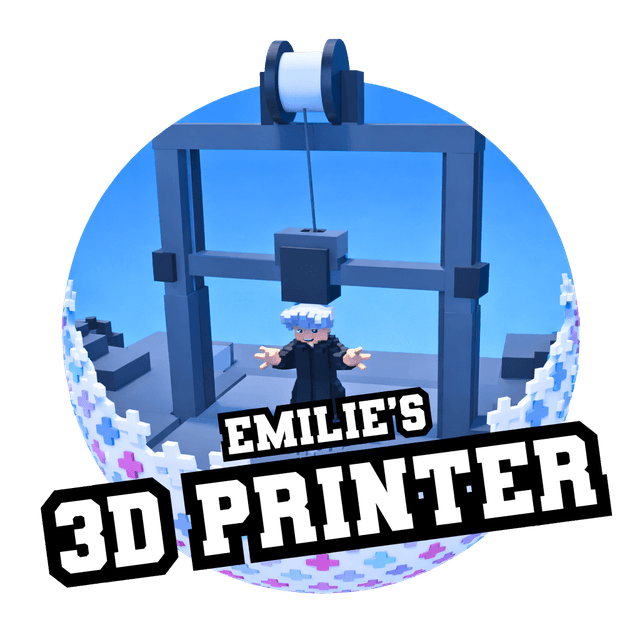
3D Printer πŸ–¨οΈ game artwork

An Emilie’s Games experience

3D Printer πŸ–¨οΈ

Choose a Roblox avatar image, join the print queue, and watch a giant machine build your model block by block before it reaches the gallery.

Start here

How to play

  1. Choose an avatar or another picture you would like to print.

  2. Add your model to the queue and watch it appear inside the printer.

  3. Visit the gallery to inspect finished creations and give them a thumbs-up.

Inside the game

What you can do

Watch it build

Watch your chosen model appear piece by piece inside the giant printer.
Share the result

Visit the gallery to explore finished creations, cheer for them, vote, and enjoy silly smash-and-repair moments.

Make a private studio

Open a private server to enjoy your own print queue and build a personal gallery.

The giant printing machine surrounded by completed block-built character models in Emilie's 3D Printer game.

The giant printer and completed gallery creations.

A completed block-built Bluey character displayed for player votes in Emilie's 3D Printer game.

A colorful character ready for gallery votes.

A large white character model being assembled block by block inside Emilie's 3D Printer machine.

Watching a new model form block by block.

A completed white winged character model displayed on a gallery platform in Emilie's 3D Printer game.

A finished winged creation on display.

Useful to know

Controls and modes

  • Use the print interface to choose and queue a model.
  • Run or fly around the large printer room and gallery.
  • Use gallery controls to inspect and vote on finished prints.

Keep going

Progress and rewards

  • Build a collection of finished prints in a private gallery.
  • Vote for the creations you enjoy and see which models rise through the gallery rankings.
  • Use Finish Print when you want to move through the queue faster. Your model keeps the same print quality.

Ready to play?

Jump into 3D Printer πŸ–¨οΈ on Roblox, or pick another adventure from Emilie’s Games.